Take Payment
Who this is for
Cashiers handling checkout.
Before you start
- Order is ready for payment
- Customer confirms payment method
Steps
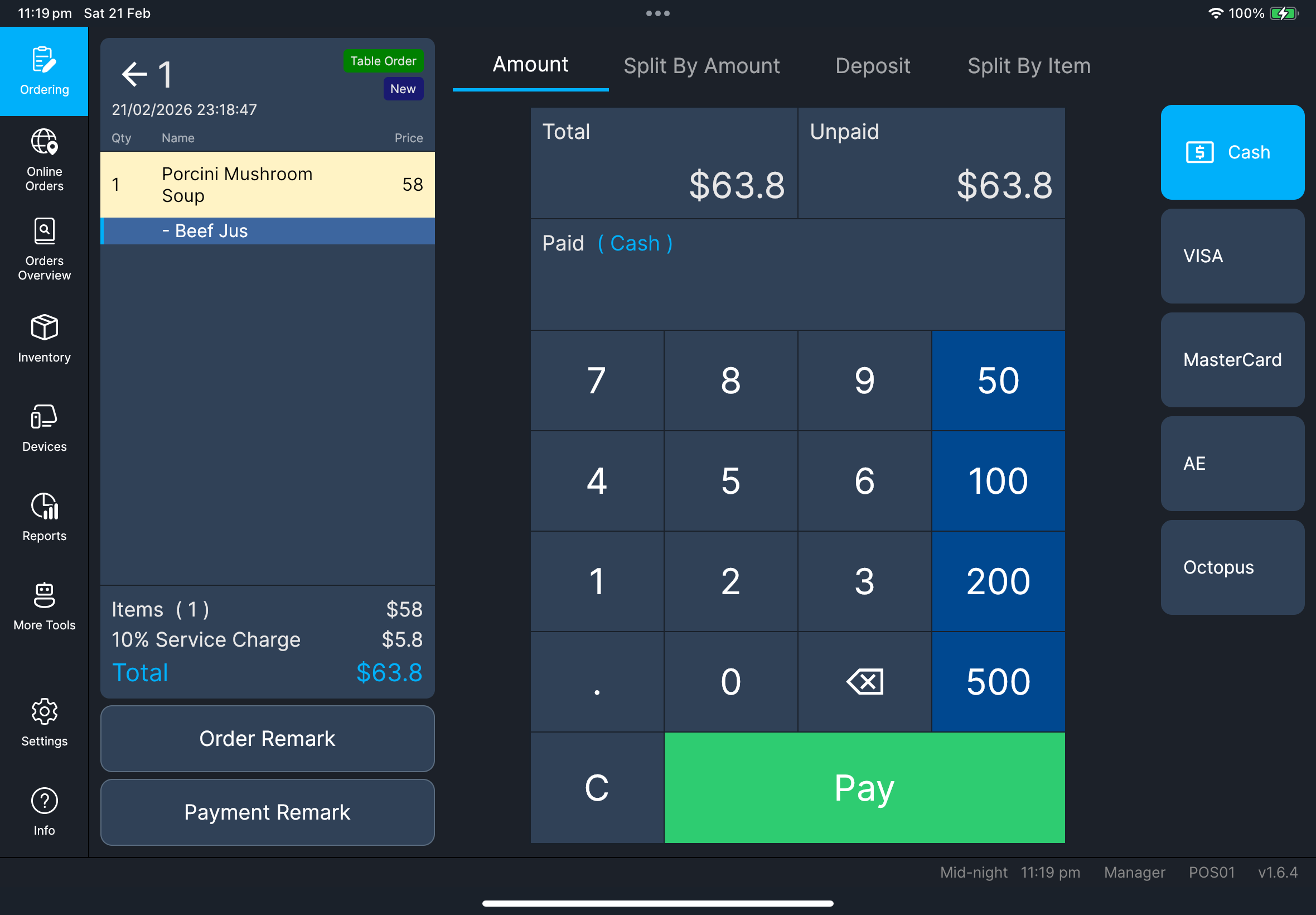
- Amount
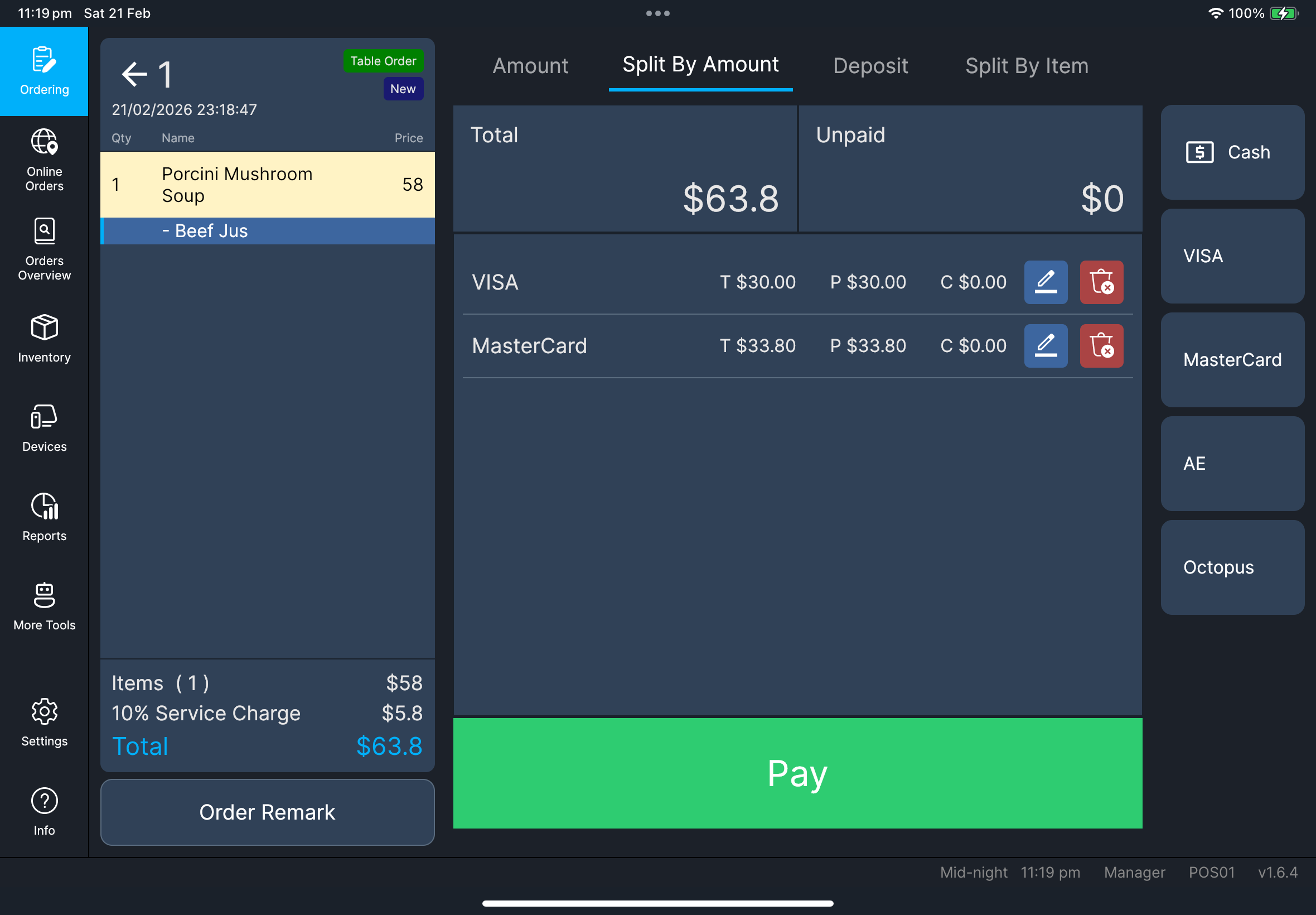
- Split By Amount
- Tap
Checkout. - Stay on
Amount. - Select payment method.
- Enter amount and tap
Pay.
- Tap
Split By Amount. - Add first partial payment.
- Add remaining amount.
- Tap
Pay.
What you should see
Unpaidamount decreases correctly- Paid lines are recorded by method
If something goes wrong
Payment failure
Retry once only if status is clearly failed/cancelled.
When to ask manager/admin
- Payment outcome is unclear
- Payment stays stuck or locked