Sign In
Who this is for
All front-line staff.
Before you start
- Terminal is online
- You have your PIN
Steps
- (Optional) Tap the language quick-switch button (
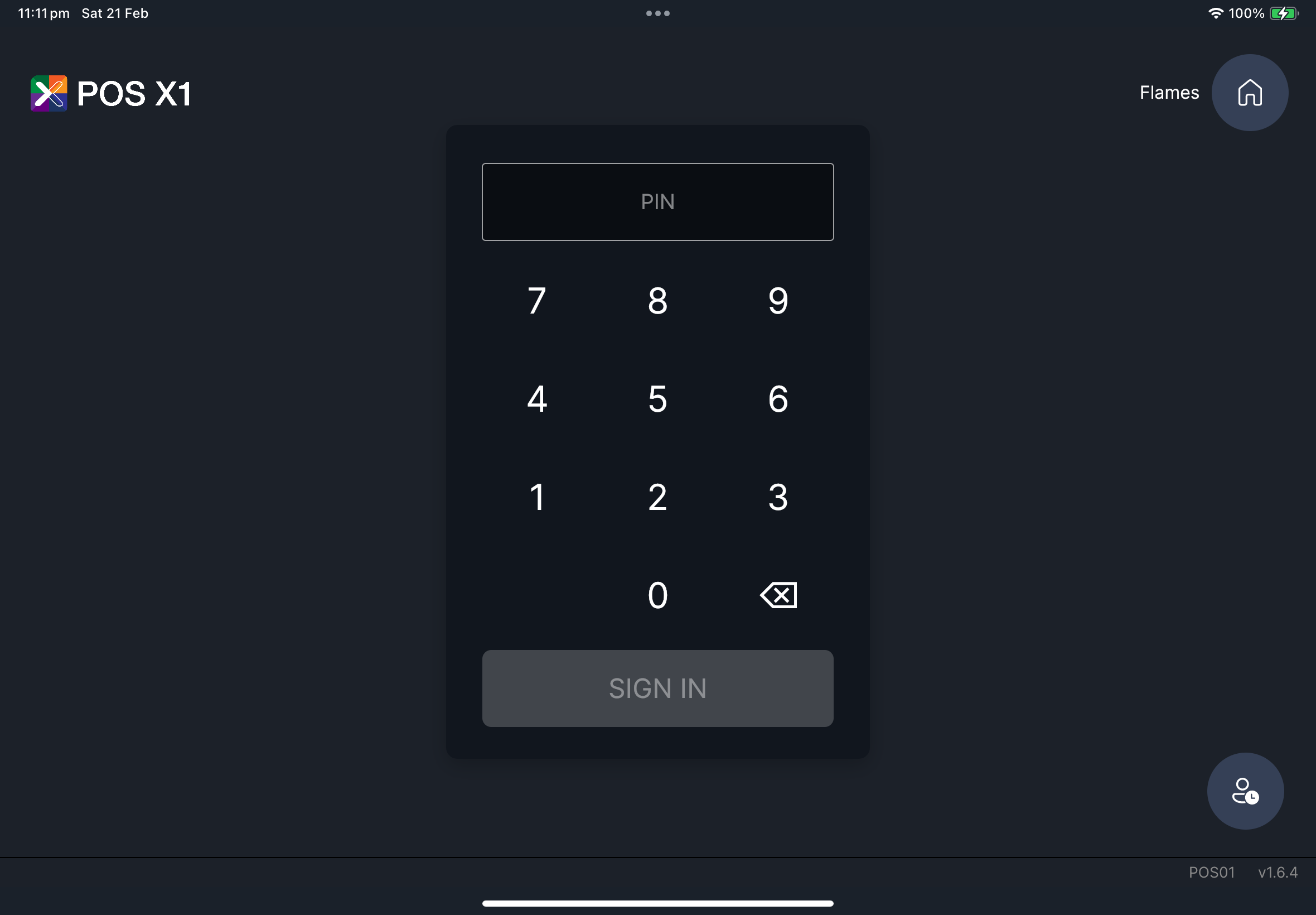
EN/繁/简) if you need to change login language. - On login screen, tap PIN numbers.
- Confirm PIN is entered correctly.
- Tap
SIGN IN.
What you should see
- You move to
Orderingpage after successful login.
If something goes wrong
Login failed
Retry once after checking PIN carefully.
When to ask manager/admin
- PIN still fails after retry
- Subscription/offline warning blocks login