套用折扣
適用對象
需要在結賬前調整訂單總額的收銀員。
開始前
- 您已登入並位於
Ordering。 - 您已開啟正確的訂單。
- 訂單內至少有一個品項。
步驟
- 套用折扣
- 取消折扣
- 在
Ordering開啟目標訂單。 - 按功能按鈕。
- 在
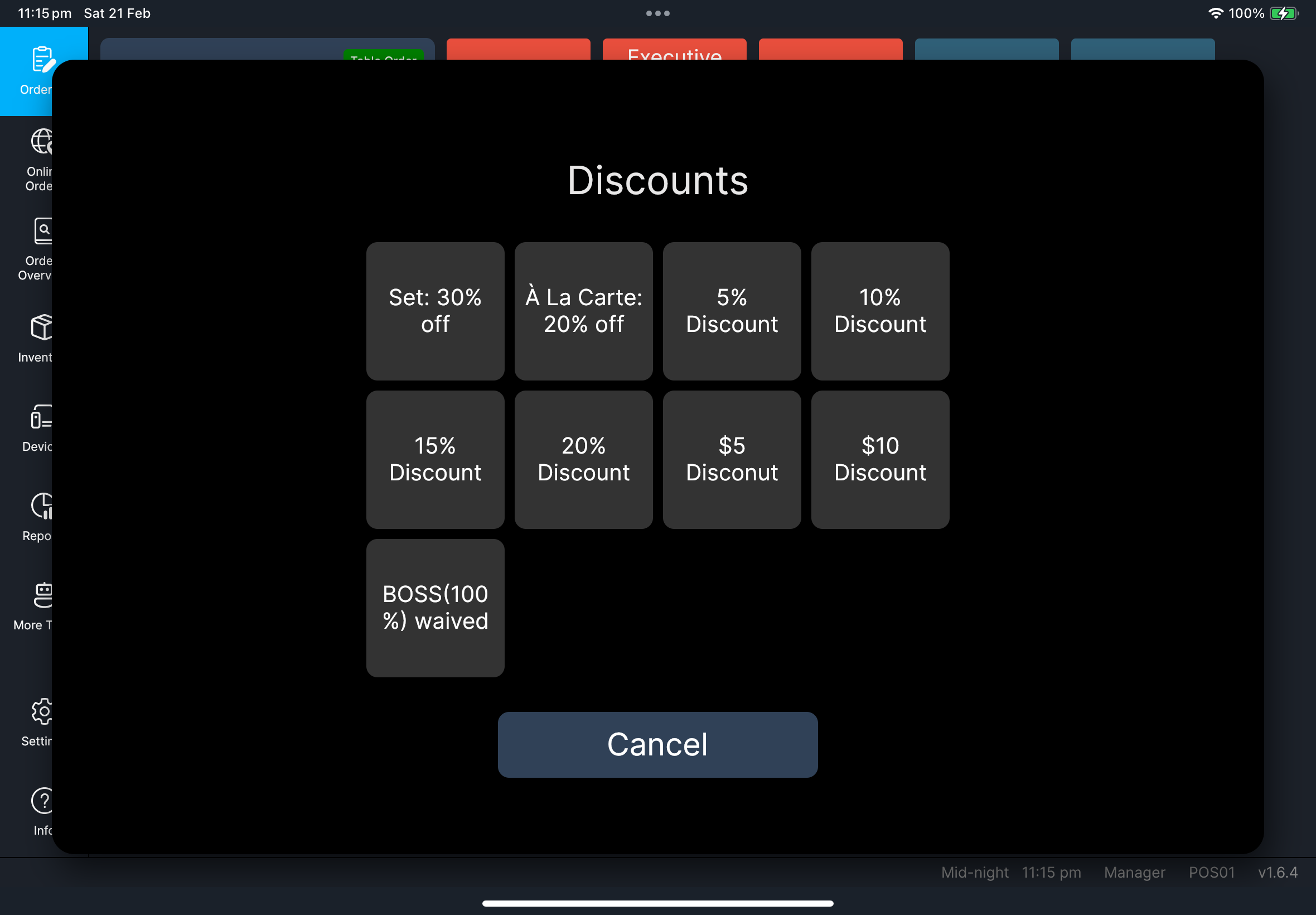
Select Function中按Apply Discount。 - 如果
Apply Discount在其他頁,按Previous或Next。 - 從清單中選擇折扣。
- 確認套用折扣。
- 在
Ordering開啟目標訂單。 - 按功能按鈕。
- 在
Select Function中按Cancel Discount。 - 如果
Cancel Discount在其他頁,按Previous或Next。 - 選擇要移除的折扣。
- 確認取消。
您會看到
- 套用
Apply Discount後,訂單會出現折扣行,總額會降低。 - 取消
Cancel Discount後,折扣行會移除,總額會回復。
如果出現問題
Apply Discount或Cancel Discount不見了:請檢查此帳號的角色權限。- 折扣清單是空白的:請檢查門店折扣設定,然後重新開啟訂單。
- 確認後總額沒有更新:先關閉再重新開啟訂單,然後再查看一次。
何時需要找經理/管理員
Manager only:如果出現經理授權提示而您無法繼續。- 折扣選項與門店政策不一致。
- 已套用折扣,但結賬仍被付款規則提示阻擋。