Account and Profile
Any user who needs to update their HQ login credentials, email address, or security settings.
Before you start
- Make sure you are editing your own account, not another user's HQ access.
- Have any required email or authentication device ready before you change security settings.
Open this page
Open your profile or account menu, then open Account or Profile.
What this page is for
Use this page to manage your own HQ sign-in details, profile information, and security settings.
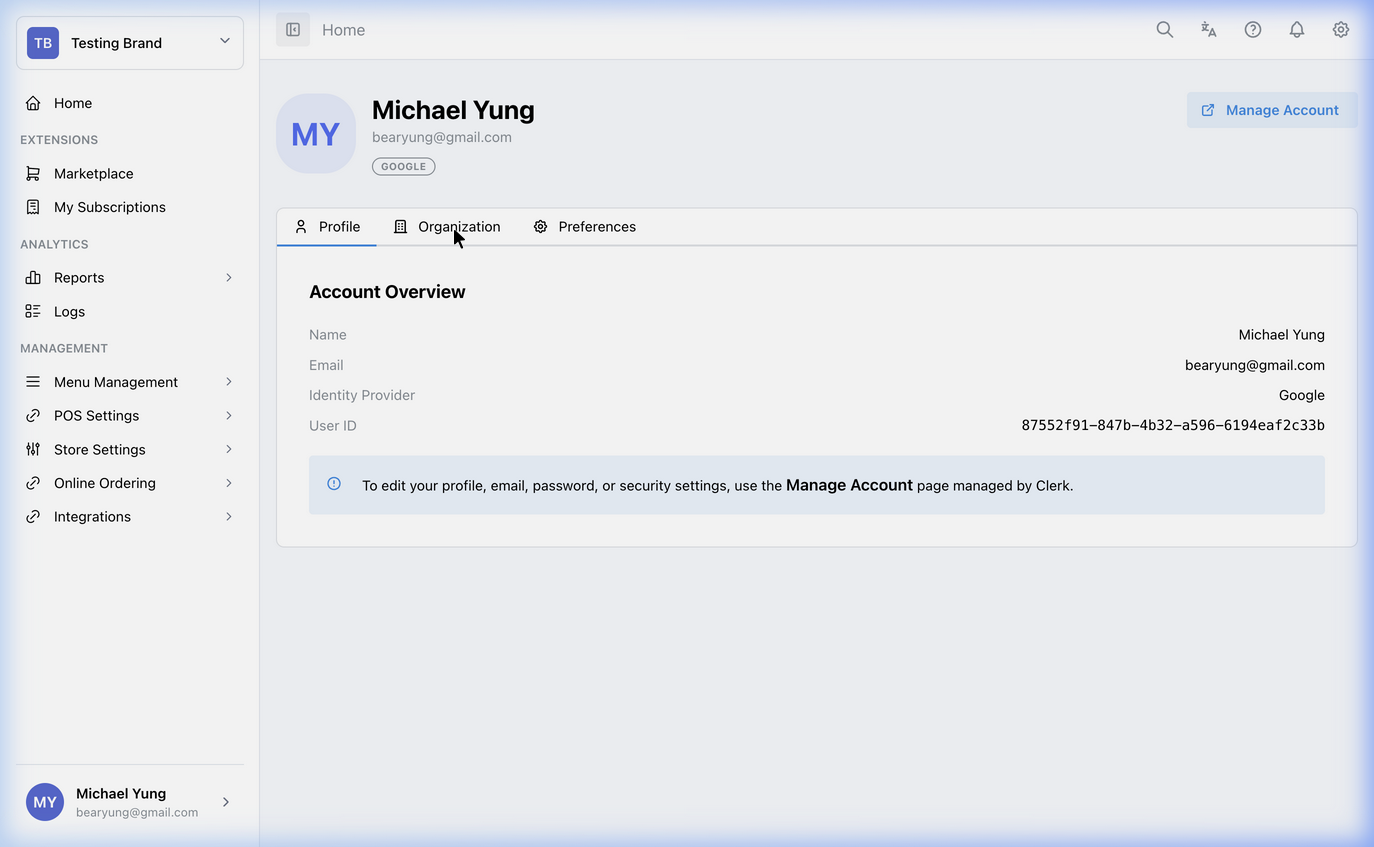
Main sections
Profile information
You can update your personal display name and profile picture here. These details affect your HQ account, not the cashier-facing POS.
Email and login
Use the Email addresses section if you need to change the email you use to sign in. Verification may be required before the change takes effect.
Security settings
Use this area to manage password and multi-factor authentication settings.
Since the HQ portal has access to sensitive financial reports and menu pricing, you should ensure your account is secured.
- Passwords: Update your login password regularly.
- Two-Step Verification: Add a secondary authentication method to protect your HQ access against unauthorized logins.
Switch workspace or brand
If you manage multiple brands or restaurant groups, use the workspace and brand selector in the upper-left corner to switch context. Use Workspace Administration if you need to manage workspace members or HQ business access.
What changes after you save
These changes apply to your own HQ account. They do not directly change shop setup or POS behavior.
How to check your change
- Confirm the updated profile detail is visible after saving.
- If you changed email or security settings, confirm the new sign-in method works before you sign out everywhere else.
If something goes wrong
- Confirm you changed your own profile and not another workspace member record.
- If sign-in details changed, verify the new email or authentication method before retrying multiple times.
When to ask owner/admin
- You cannot complete email verification.
- You are locked out of HQ after changing your account settings.